


Case
Blog

Passkey Management And Autofill Coming To Mobile

Keeper Security
Keeper Security
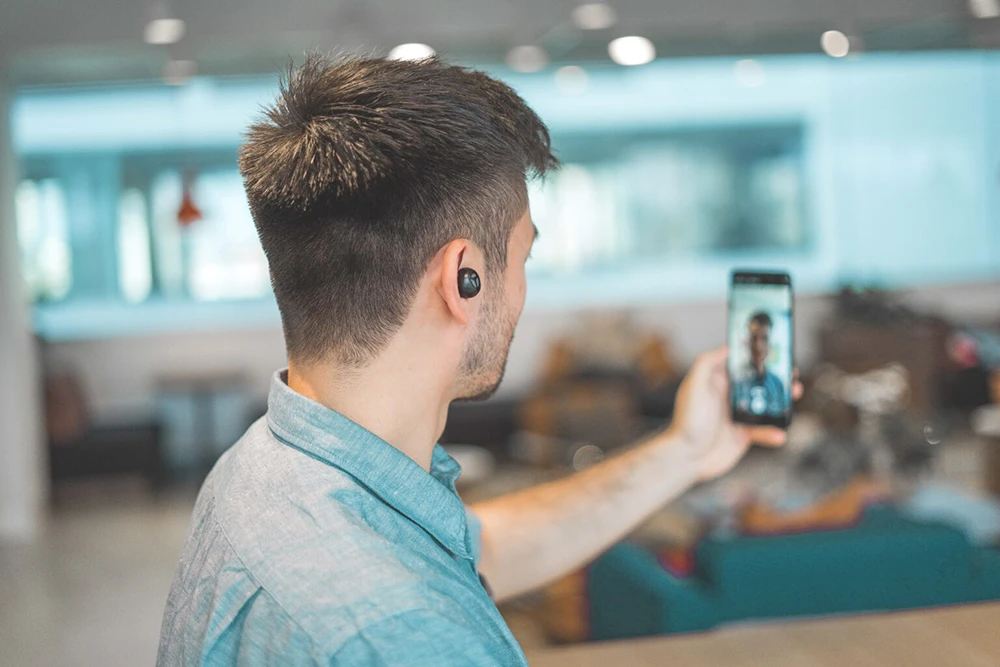
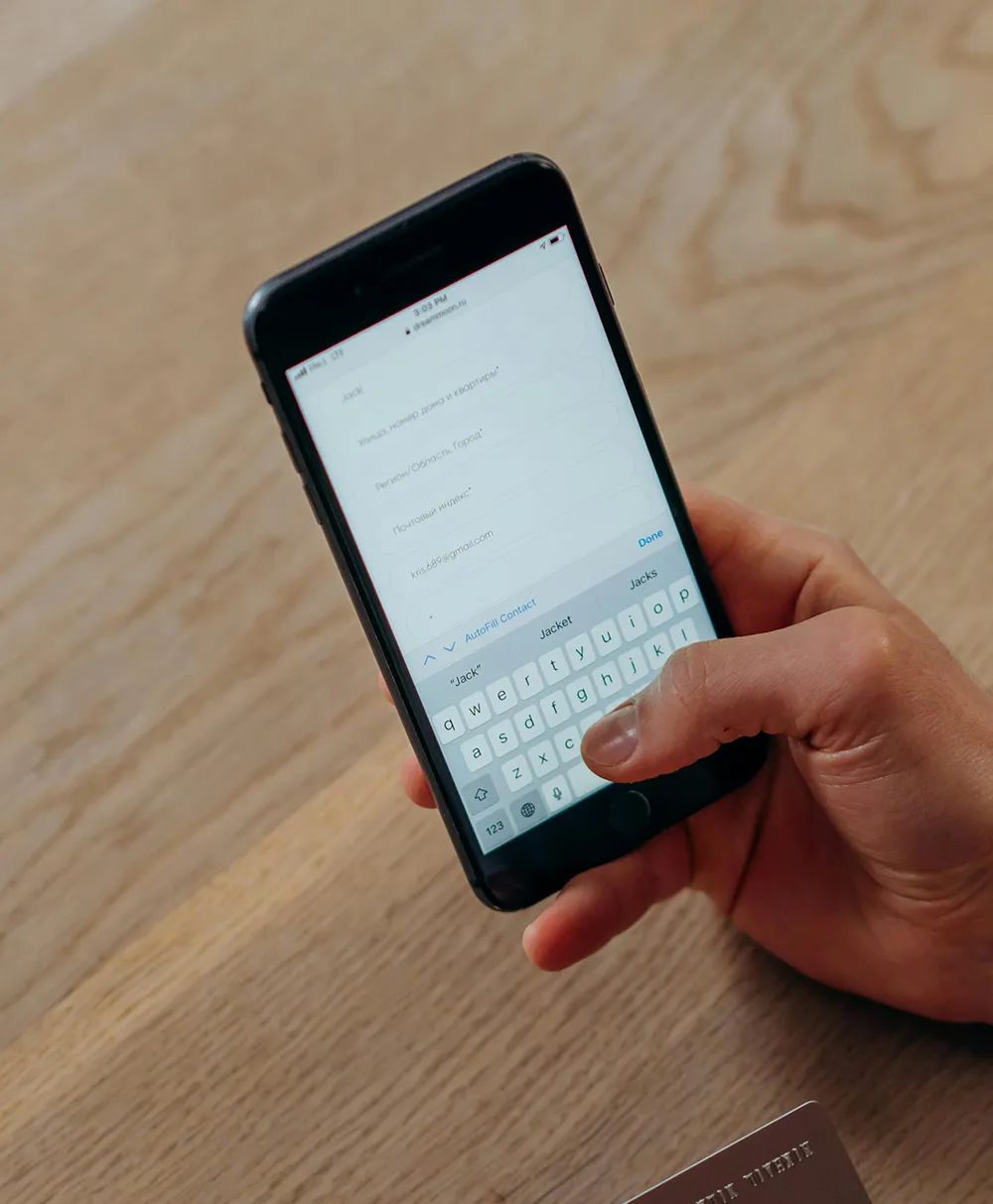
Photo of someone holding a phone and a credit card.
No items found.
Photo of someone holding a phone and a credit card.

Keeper Security is taking password security to the next level! They now offer passkey management and autofill for both iOS and Android devices. This means you can enjoy the benefits of passkeys beyond just your desktop browser extension. Keeper: Your one-stop shop for secure and convenient logins, now with the added power of passkeys!

What is a passkey?

Passkeys are a revolution in secure logins. They replace traditional passwords with a cryptographic key stored on your device (phone, tablet, computer). Instead of typing a password, you simply use your fingerprint or facial recognition to log in, just like unlocking your phone.

To learn more about them, check this video.

Why Choose Passkeys?

  • Enhanced Security: Passkeys are significantly more secure than passwords. They can’t be phished or leaked in a data breach, and they inherently support Two-Factor Authentication (2FA) by requiring your trusted device.
  • Streamlined Experience: No more remembering complex passwords! Passkeys autofill logins, making them faster and more convenient.

How to Use Passkeys with Keeper:

  1. Visit a website that supports passkeys and navigate to their security settings.
  2. Choose “Create Passkey.”
  3. Save the passkey to your Keeper Vault when prompted.

That’s it! The next time you visit that site, Keeper will automatically use your passkey to log you in securely, eliminating the need for passwords.

Ready to ditch passwords and experience secure logins?

Take control of your online security today & Download Keeper for iOS from the App Store and for Android on the Google Play Store.

Interested in learning how Keeper can secure your organization with passkeys? Schedule a demo today!


Contact us

Let's Work Together

If our services align with your needs, just tell us a bit about your situation. Our team will reach out to explore how Auxility can help.

Thank you! Your submission has been received!
Oops! Something went wrong while submitting the form.

Read Our Other Customer cases

Unipso grey logo with a green-blue fluent s.
Photo of a man holding his phine during a call.

UNMS Modernises Telephony Without Disrupting Business

UNMS Modernises Telephony Without Disrupting Business

Beddeleem, bold black typographic logo with a red square in the bottom left xorner of the B.
Stockimage of two female employees walking the office building.

Beddeleem Saves Time And Gains Peace of Mind With Automated Patch Management

Beddeleem Saves Time And Gains Peace of Mind With Automated Patch Management

We’re proud of the results we deliver and the partnerships we build with our clients.

Dive into our case studies to see how we have helped businesses overcome their IT challenges and improve their day-to-day work.

View all cases

Read Our Other Technial Blogs

Is It Possible To Take My Information Off The Dark Web?

Is It Possible To Take My Information Off The Dark Web?

The Road To The New Outlook

The Road To The New Outlook

Beyond case studies, we also share our technical knowledge directly. Our blog is where our experts offer practical tips, explain complex topics, and discuss the latest trends in technology and security.

Explore our articles to get actionable advice and stay ahead of the curve.

View all blogs