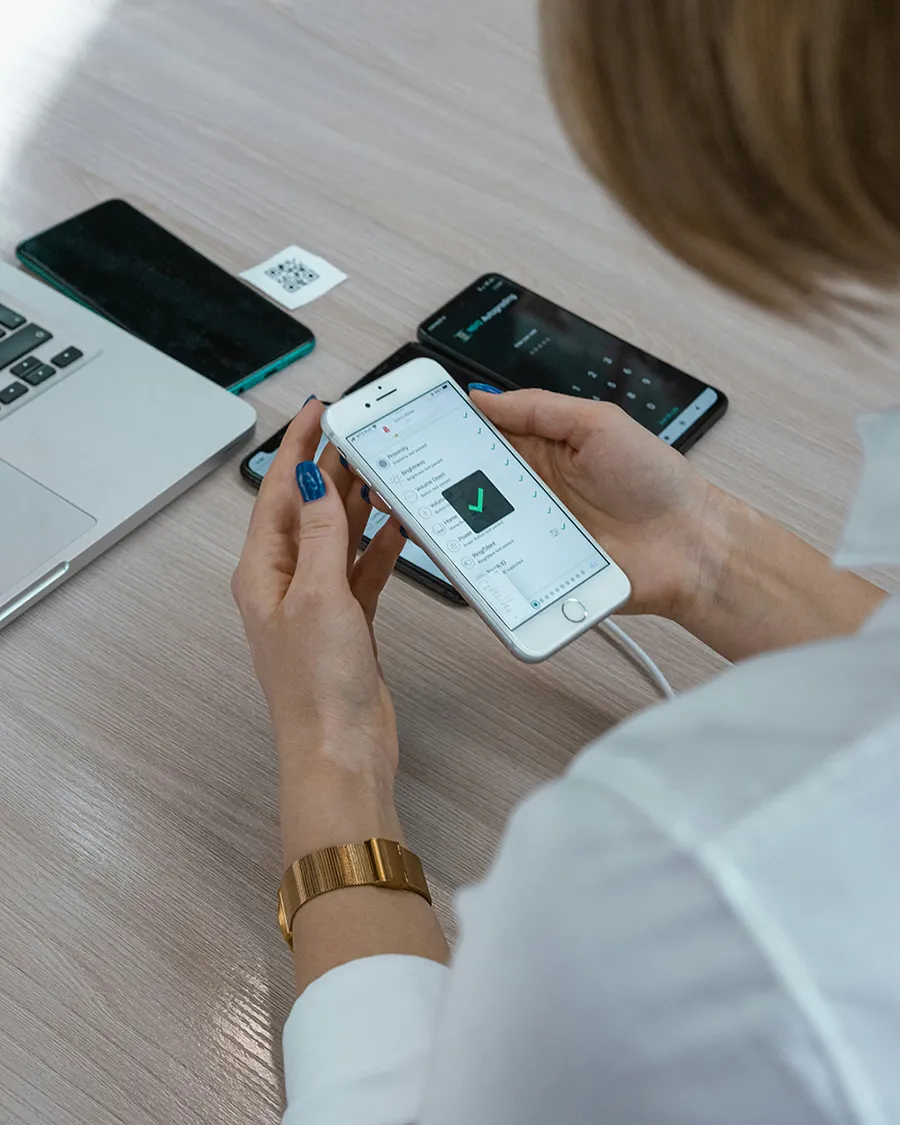
So: do U want to know how u can verify if your personal info is on the dark web and what steps you can do to protect yourself if it is?
How can I find out if my information is on the dark web?
You can perform a free dark web scan with this Keeper tool to find out if your information is on the dark web. The dark web scanner will search its database for compromised data discovered in public data breaches once you input your personal information. Your information may be on the dark web if the tool detects a match between what you entered and its database.
How to proceed if your data is exposed on the dark web?
You should take urgent action to safeguard your identity and privacy if you discover that your information is on the dark web:
- Modify your passwords.
Change your passwords right away if a dark web scan finds that your online account login information is available on the dark web. You should change your passwords to be strong and unique for each account whose login information has been compromised. Strong passwords should include a minimum of 16 characters and a mix of capital and lowercase letters, digits, and symbols. Using a password manager such as Keeper, which has an integrated password generator that generates more secure passwords, you may rapidly reset all of your passwords. You can easily update your passwords with Keeper Password Manager, and it also safely saves them in an encrypted digital vault.
- Activate Multi-factor authentication.
To further strengthen account security, you should enable Multi-Factor Authentication (MFA) on compromised accounts after changing the passwords. In addition to your username and password, you must supply an additional form of authentication (MFA) in order to access your account. A PIN, a code from an authenticator app, a response to a security question, or your biometric data are a few instances of multi-factor authentication (MFA). Enabling MFA on all accounts that accept it is crucial because without it, a cybercriminal would not be able to access your account using your login credentials, even if they manage to get their hands on your username and password.
- Check for malware on your devices.
If you’re not sure how your data got onto the dark web, it’s possible that malware was unintentionally placed on your device, taking your data and delivering it to a hacker. When you download free games, apps, or movies from unaffiliated sources or fall for a phishing scam, your device may become infected with malware. Without your awareness, a cybercriminal can install malware on your device, spy on your online activities, and take data from it.
When you discover that your information has been discovered on the dark web, it’s critical to utilize antivirus software to check your devices for malware, as this could have been the initial source of the information collection. When antivirus software detects a match between the data on your device and its database of known viruses, it will isolate and remove the infection. It’s advisable to run antivirus software on your devices after discovering that your information is infected by malware and that it may have been obtained from the dark web.
- Watch out for any unusual activity.
If your information is found on the dark web, you should remain vigilant and keep an eye out for odd activity on your internet accounts. A few examples of odd activity to keep an eye out for are: Unusual and frequent login attempts, strange transactions on your bank records, and 2FA code requests you didn’t initiate are. A cybercriminal may be trying to access your account, for instance, if you consistently receive emails from an online account including a One-Time Password (OTP) code that you did not request. Should you persist in observing questionable activities on your accounts, it indicates that a cyberthief either already possesses or is attempting to obtain access to them.
Keep yourself safe from the dark web
Despite the fact that once your information is on the dark web: it cannot be removed, you may secure your identity and accounts by taking the precautions listed above. Using a password manager like Keeper Security is the simplest way to change the passwords of your compromised accounts, which is a necessary step in protecting your online accounts. In addition to safely storing your credentials, Keeper Password Manager features an add-on function called BreachWatch, a dark web surveillance tool. In order for you to update your passwords, BreachWatch warns you if your information has been discovered on the dark web.